WiFi Signal Loss in Garage Opener Installation Fix
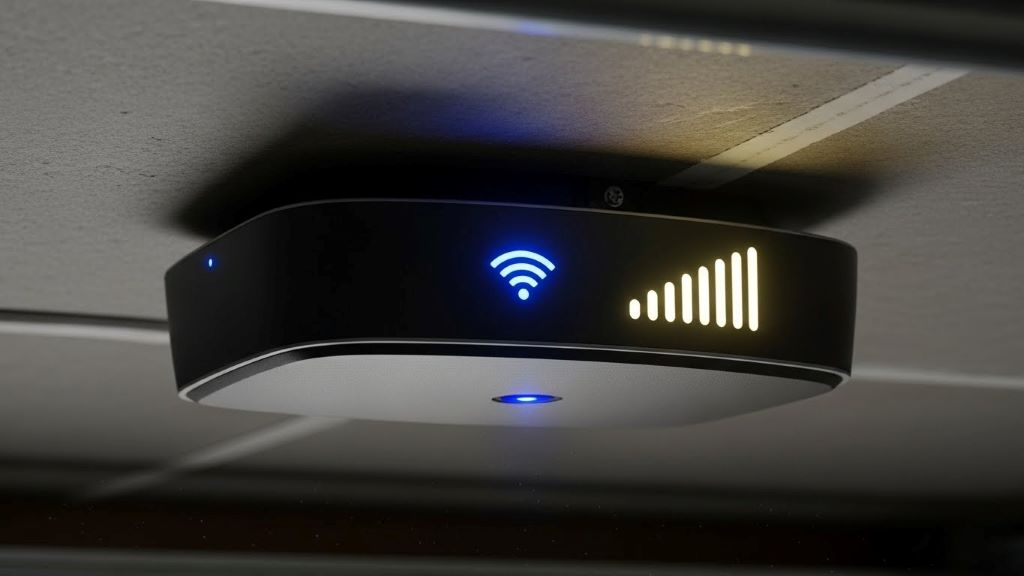
Smart garage door openers bring convenience to your home. However, many homeowners face WiFi signal problems during setup. These issues can be frustrating. The good news is that most connection problems have simple solutions. According to Sherwood Blog, proper installation and positioning make all the difference in maintaining a stable connection.
WiFi signal loss is one of the most common complaints after installing a smart opener. Your garage location often creates challenges. Concrete walls, metal doors, and distance from your router all interfere with signals. Additionally, electronic devices nearby can cause interference. Understanding these obstacles helps you fix connectivity issues quickly.
Learning how to install smart garage door opener systems correctly prevents many WiFi problems. Therefore, taking time to plan your setup saves headaches later. This guide walks you through common signal issues and proven solutions.
Understanding WiFi Signal Interference in Garages
Garages present unique challenges for wireless signals. Most garages sit on the edge of your home. This means they’re farthest from your main router. Concrete walls absorb WiFi signals significantly. Metal garage doors create additional barriers. These factors combine to weaken your connection.
Electronic interference also plays a role. Older garage door openers use frequencies that clash with WiFi. Power tools and other devices add to the problem. Furthermore, thick insulation in walls blocks signals. Even your car can interfere when parked inside.
The 2.4 GHz frequency travels farther but moves slower. The 5 GHz frequency offers faster speeds but shorter range. Most smart garage openers work best on 2.4 GHz. However, this band gets crowded with other devices. Understanding these basics helps you troubleshoot effectively.
Optimal Router Placement for Garage Coverage
Your router location matters more than you think. Moving it closer to the garage improves signal strength. Place your router in a central location when possible. Elevating it off the floor helps signals spread better. Therefore, consider mounting it on a wall or shelf.
Avoid placing routers in closets or cabinets. These enclosed spaces trap signals. Keep routers away from metal objects and appliances. Microwaves and cordless phones cause interference. Additionally, fish tanks and mirrors reflect WiFi signals poorly.
If your router sits far from the garage, consider relocation. Sometimes moving it to an upstairs room helps. Signals travel down better than up through floors. Testing different positions takes time but yields results. Use your smartphone to check signal strength in various spots.
WiFi Extenders and Mesh Network Solutions
WiFi extenders boost signals to hard-to-reach areas. These devices plug into outlets between your router and garage. They capture existing signals and rebroadcast them. This extends your network’s range effectively. However, extenders can reduce overall speed slightly.
Mesh network systems offer a better solution for many homes. These systems use multiple units working together. They create seamless coverage throughout your property. Mesh networks automatically switch you to the strongest signal. According to Consumer Reports, mesh systems have become increasingly affordable and reliable for whole-home coverage.
Installing a mesh system requires minimal technical knowledge. Place one unit near your router and others in weak signal areas. The units communicate wirelessly with each other. This creates a blanket of strong coverage. Additionally, most mesh systems include easy setup apps.
Upgrading Your Smart Garage Opener’s Antenna
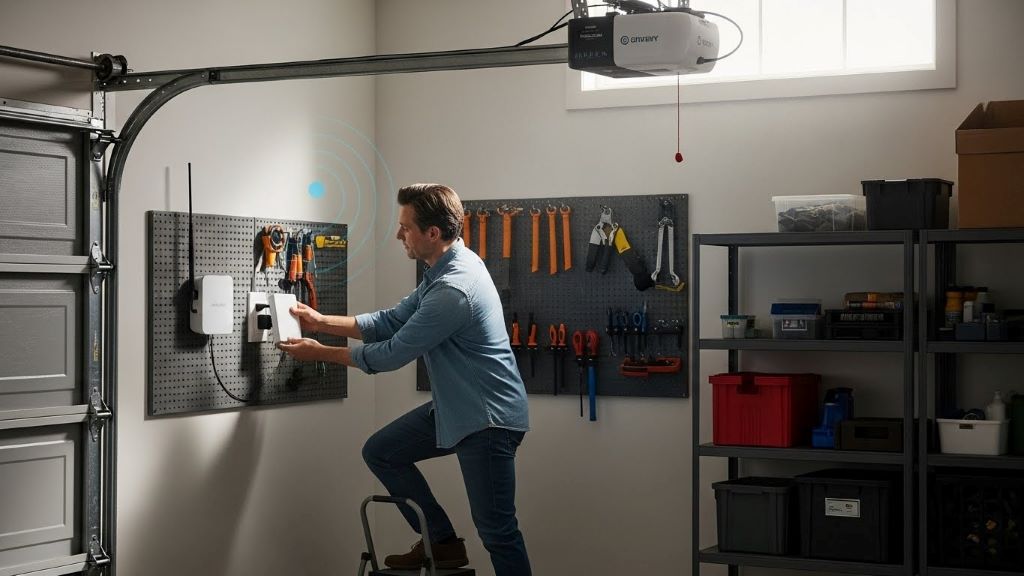
Some smart garage openers have weak internal antennas. Upgrading to an external antenna boosts reception. Check if your model supports antenna upgrades. Many manufacturers sell compatible external antennas. These antennas capture signals more effectively than internal ones.
Installing an external antenna is usually straightforward. Most screw directly onto the opener unit. Position the antenna vertically for best results. Point it toward your router’s general direction. This simple upgrade often solves persistent connection problems.
Alternatively, some openers accept WiFi adapter upgrades. These replace the internal WiFi module entirely. Newer adapters support stronger connection protocols. They also handle interference better. Research your specific model’s compatibility before purchasing upgrades.
Adjusting Channel Settings and Frequency Bands
Router channels affect WiFi performance significantly. Your router shares channels with neighbors’ networks. Overcrowded channels cause slowdowns and disconnections. Therefore, switching to a less congested channel helps. Most routers offer automatic channel selection.
Access your router settings through a web browser. Look for channel or frequency settings. Try different channels to find the clearest one. Apps like WiFi Analyzer show which channels are crowded. This takes the guesswork out of optimization.
Some smart garage openers only support 2.4 GHz networks. Make sure your router broadcasts on this frequency. Many modern routers use dual-band technology. They broadcast both 2.4 GHz and 5 GHz simultaneously. Create a separate 2.4 GHz network name if needed. This ensures your opener connects to the right band.
Reducing Electronic Interference Sources
Electronic devices near your garage opener create interference. Identify potential culprits in your garage. LED light bulbs can disrupt WiFi signals. Fluorescent lights also cause problems. Consider replacing them with incandescent bulbs temporarily to test.
Power supplies and battery chargers emit electromagnetic interference. Keep these away from your opener when possible. Additionally, old garage door openers without smart features interfere. Their radio frequencies clash with WiFi signals. Upgrading or removing old openers solves this issue.
Baby monitors and wireless security cameras share WiFi bandwidth. Move these devices to different channels if possible. Bluetooth devices also compete for signal space. Turn off unnecessary wireless devices to reduce congestion. This improves overall network performance.
Checking and Updating Firmware Regularly
Outdated firmware causes many connectivity issues. Manufacturers release updates to fix bugs and improve performance. Check your smart garage opener’s app for updates. Most apps notify you when updates are available. However, checking manually ensures you don’t miss anything.
Router firmware also needs regular updates. Log into your router’s admin panel periodically. Look for firmware or software update options. Some routers update automatically. Others require manual installation. These updates often include security patches and performance improvements.
Keeping both devices updated prevents compatibility problems. New WiFi standards emerge regularly. Updates help your equipment work with these standards. Therefore, make firmware checks part of your routine maintenance. Set a reminder to check every three months.
Using Dedicated WiFi Networks for Smart Devices
Creating a separate network for smart home devices improves performance. This isolates your garage opener from other traffic. Your streaming devices and computers won’t compete for bandwidth. Additionally, separate networks enhance security.
Most routers allow multiple network names. Set up a dedicated 2.4 GHz network for smart devices. Give it a unique name and password. Connect your garage opener to this network. This simple step often resolves intermittent connection issues.
Guest networks also serve this purpose. However, some smart devices have trouble with guest networks. The regular network with device isolation enabled works better. Check your router manual for specific setup instructions. This configuration takes only a few minutes.
Professional Installation and Signal Assessment
Sometimes professional help is necessary. WiFi signal issues can be complex. Professional installers have specialized equipment. They measure signal strength accurately. Additionally, they understand building materials’ effects on signals.
Hiring a professional saves time and frustration. They quickly identify problem areas. Many offer solutions you might not consider. Professional installation often includes warranty coverage. This protects your investment if problems persist.
Network specialists can also optimize your entire home network. They ensure proper router configuration. Furthermore, they recommend specific equipment for your situation. The cost of professional help often pays for itself. You avoid buying unnecessary equipment through trial and error.
Conclusion
WiFi signal loss during smart garage door opener installation is frustrating but fixable. Most issues stem from poor router placement, interference, or outdated equipment. Understanding these common problems helps you troubleshoot effectively. Simple solutions like WiFi extenders or mesh networks often resolve connectivity issues.
Regular maintenance prevents future problems. Update firmware consistently and check your network settings. Consider professional help for persistent issues. With the right approach, your smart garage opener will function reliably. Enjoy the convenience of controlling your garage from anywhere without connection worries.
Frequently Asked Questions
Why does my smart garage opener keep disconnecting from WiFi?
Disconnections usually happen due to weak signal strength or interference. Your garage’s location and construction materials block WiFi signals. Additionally, overcrowded WiFi channels cause instability. Try moving your router closer, adding a WiFi extender, or switching to a less congested channel.
Can I use a 5 GHz network for my smart garage door opener?
Most smart garage openers only support 2.4 GHz networks. This frequency travels farther through walls and obstacles. Check your opener’s specifications before attempting to connect. If it supports dual-band, the 5 GHz option works only with strong nearby signals.
How far can a smart garage opener be from the router?
Distance varies based on obstacles and interference. Generally, 2.4 GHz WiFi works up to 150 feet indoors. However, walls and metal significantly reduce this range. Garages with concrete walls may need signal boosters at distances beyond 50 feet.
Will a WiFi extender slow down my garage opener?
WiFi extenders can reduce speed slightly because they rebroadcast signals. However, smart garage openers don’t require high bandwidth. The slight speed reduction won’t affect opener performance. A stable connection matters more than maximum speed for these devices.
Do I need to upgrade my router for a smart garage opener?
Not necessarily. Most modern routers support smart garage openers. However, very old routers lacking 2.4 GHz support need replacement. If your router is over five years old, upgrading improves overall performance. Newer routers handle multiple connected devices better and offer stronger security.
Related Topics:
Translator Earbuds Heat Dissipation Issues
Quick and Easy Alternator Test Using a Multimeter