How to Maintain Your 3D Printer Using the Right Tools
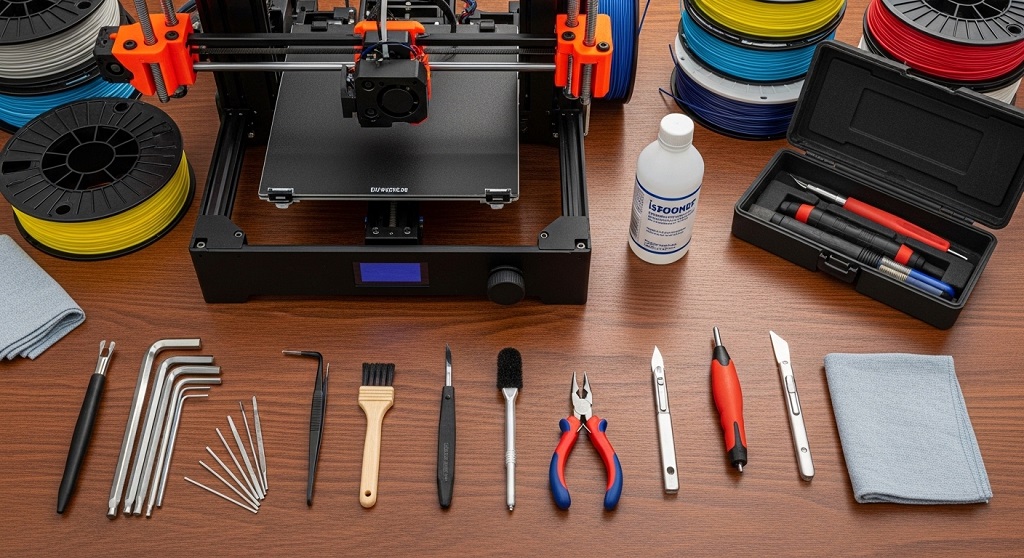
3D printer maintenance is the process of cleaning, inspecting, lubricating, calibrating, and replacing wear-prone parts using the best tools for 3D printer maintenance to ensure consistent print quality, longer machine life, and fewer failed prints. Without regular upkeep, even high-quality printers lose accuracy, clog frequently, and waste filament.
If your prints suddenly show layer shifts, stringing, under-extrusion, or adhesion issues, maintenance—not upgrades—is usually the solution. The right toolkit lets you fix problems quickly and prevent future failures.
This guide explains how to maintain your 3D printer step by step using proven maintenance tools. Each section answers a practical search-style question so you can apply fixes immediately. Whether you use an entry-level FDM printer or a professional desktop machine, the same maintenance principles apply.
What are the best tools for 3D printer maintenance?
Answer: The best tools for 3D printer maintenance include nozzle cleaning needles, hex key sets, flush cutters, digital calipers, lubrication oil, brushes, microfiber cloths, PTFE tube cutters, and firmware calibration utilities.
Most print failures come from small mechanical or extrusion issues. A basic toolkit prevents these problems before they affect print quality.
| Tool | Purpose | Maintenance Frequency |
|---|---|---|
| Nozzle cleaning needles | Remove filament clogs | Weekly |
| Hex key set | Tighten frame and motion parts | Monthly |
| Flush cutters | Trim filament cleanly | Every print |
| Digital calipers | Measure calibration accuracy | Monthly |
| Lubrication oil | Reduce friction on rods | Bi-monthly |
| Soft brush | Remove dust from fans | Weekly |
Using these tools consistently prevents skipped steps, extrusion errors, and axis misalignment.
Why is regular 3D printer maintenance important?
Answer: Regular maintenance prevents print failures, improves dimensional accuracy, and extends component lifespan.
Many users assume poor prints mean incorrect slicer settings. In reality, mechanical wear causes most long-term problems.
Common issues caused by poor maintenance include:
- Nozzle clogging from residue buildup
- Loose belts causing layer shifting
- Dust blocking cooling fans
- Dry rods increasing vibration
- Misaligned beds reducing adhesion
In one widely documented maintenance comparison across hobbyist printer communities, users who cleaned and lubricated printers monthly reported significantly fewer extrusion failures than those who only maintained machines after problems appeared.
Preventive maintenance reduces downtime and filament waste.
How often should you maintain a 3D printer?
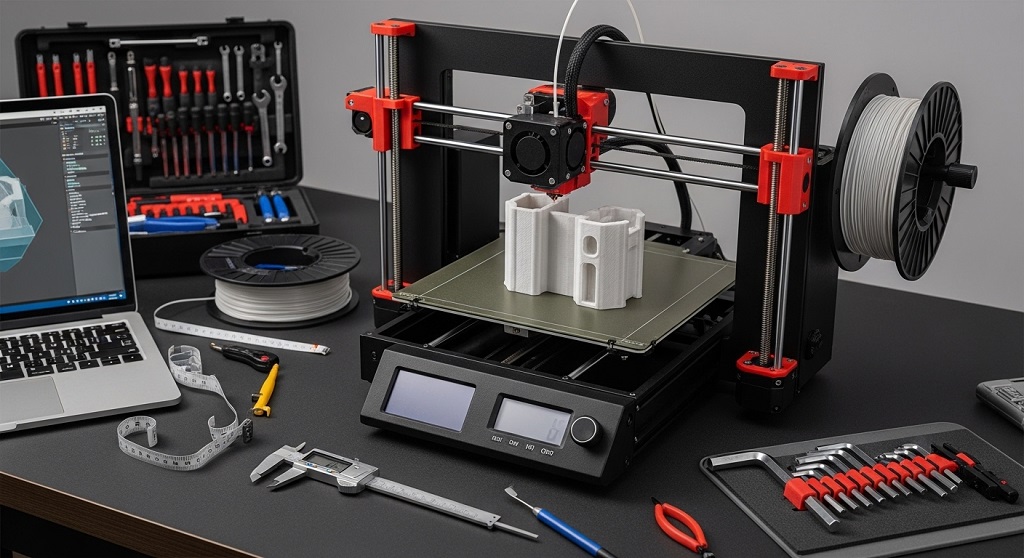
Answer: Basic maintenance should be done weekly, while deeper inspections should be performed monthly depending on usage intensity.
A structured maintenance schedule keeps your printer stable.
Weekly maintenance checklist
- Clean nozzle exterior
- Remove filament debris
- Inspect belts
- Check build plate surface
- Wipe guide rods
Monthly maintenance checklist
- Lubricate rods
- Tighten frame bolts
- Inspect wiring
- Calibrate extrusion steps
- Clean cooling fans
High-volume printing environments should shorten these intervals.
How do nozzle cleaning tools improve print quality?
Answer: Nozzle cleaning tools remove partial clogs that cause under-extrusion, stringing, and inconsistent layer bonding.
Nozzle blockage is the most common extrusion issue in FDM printers.
Use these tools correctly:
- Nozzle needle for internal debris
- Brass brush for exterior residue
- Cold-pull filament for deep cleaning
Routine cleaning keeps filament flow stable and reduces surface defects.
Which lubrication tools keep motion systems running smoothly?
Answer: Light machine oil and PTFE-based lubricants reduce friction on rods, bearings, and lead screws.
Dry motion components create vibration. Vibration lowers print accuracy.
Apply lubrication carefully:
- Use one drop per rod section
- Move axes manually after application
- Avoid over-lubrication
Proper lubrication improves layer alignment and reduces stepper strain.
How do digital calipers help maintain dimensional accuracy?
Answer: Digital calipers verify printed part measurements and help recalibrate extrusion settings.
Calibration errors accumulate slowly. Without measurement tools, they go unnoticed.
Use calipers to:
- Measure test cubes
- Check wall thickness
- Verify filament diameter
- Confirm tolerance fit parts
Accurate measurement improves repeatability across prints.
What tools are needed to maintain the build plate?
Answer: Scrapers, isopropyl alcohol wipes, and microfiber cloths maintain proper bed adhesion.
Build plate contamination causes first-layer failure.
Recommended cleaning process:
- Remove residue using scraper
- Clean with alcohol wipe
- Dry with microfiber cloth
This improves adhesion reliability across materials like PLA, PETG, and ABS.
How do belt tension tools prevent layer shifting?
Answer: Hex keys and belt tensioners maintain correct axis movement precision.
Loose belts cause uneven layer placement.
Signs of improper tension include:
- Diagonal misalignment
- Shifted layers
- Surface ripples
Regular belt checks ensure accurate motion control.
Which cleaning tools protect cooling fans and electronics?
Answer: Soft brushes and compressed air remove dust that blocks airflow and overheats components.
Cooling efficiency affects extrusion stability.
Fan cleaning steps:
- Power off printer
- Hold fan blades steady
- Blow compressed air
- Brush loose debris
Clean airflow maintains thermal consistency.
How do firmware tools support printer maintenance?
Answer: Firmware calibration tools adjust motion accuracy, extrusion flow, and temperature response.
Mechanical maintenance alone is not enough.
Firmware maintenance tasks include:
- Updating printer firmware
- Calibrating steps per millimeter
- Adjusting PID temperature values
- Resetting EEPROM profiles
These adjustments improve print stability over time.
What safety tools should be included in a maintenance toolkit?
Answer: Heat-resistant gloves, safety glasses, and insulated tweezers prevent injury during maintenance.
Maintenance often involves hot components.
Essential safety items:
- Heat gloves for nozzle handling
- Safety glasses for debris removal
- Insulated tweezers for hot filament
Safe maintenance reduces risk during repairs.
How do PTFE tube tools improve extrusion reliability?
Answer: PTFE cutters create clean tube edges that prevent filament resistance inside Bowden systems.
Uneven cuts increase extrusion friction.
Replace PTFE tubes when:
- Edges deform
- Filament jams increase
- Tube interior darkens
Clean tubing improves feeding consistency.
What spare parts should be kept for preventive maintenance?
Answer: Spare nozzles, PTFE tubes, thermistors, and belts reduce downtime during unexpected failures.
Replacing worn parts early prevents print interruptions.
- 0.4 mm nozzles
- Bowden tubes
- Drive gears
- Bed springs
Keeping replacements ready ensures uninterrupted workflow.
How can beginners build a complete 3D printer maintenance toolkit?
Answer: Beginners should start with cleaning tools, adjustment tools, lubrication supplies, and calibration devices.
A simple starter toolkit includes:
- Nozzle needle kit
- Hex key set
- Flush cutters
- Microfiber cloth
- Digital calipers
- Lubrication oil
This setup handles most maintenance tasks without advanced equipment.
Conclusion: How does using the right maintenance tools extend printer lifespan?
Using the best tools for 3D printer maintenance keeps your printer accurate, reliable, and efficient over time. Most failures begin as small mechanical issues. Cleaning residue, tightening belts, calibrating motion systems, and lubricating rods prevent these problems before they affect prints.
Instead of reacting to failed prints, proactive maintenance builds consistency. You save filament, reduce downtime, and extend hardware life.
Start by assembling a simple maintenance toolkit today. Follow a weekly checklist. Upgrade tools gradually as your printing workload increases. Consistent maintenance turns an average printer into a dependable production machine.
Action step: Create your maintenance checklist now and schedule your first full inspection this week to improve print reliability immediately.
FAQs About the Best Tools for 3D Printer Maintenance
What is the most important maintenance tool for a 3D printer?
Nozzle cleaning needles are the most important tools because extrusion blockage is the most common printing issue. Keeping the nozzle clear ensures consistent filament flow.
How often should I clean my 3D printer nozzle?
You should clean the nozzle weekly for regular use and after every material change to prevent residue buildup and extrusion inconsistency.
Can lubrication damage a 3D printer?
Over-lubrication can attract dust and reduce motion accuracy. Use small amounts of light machine oil only on rods and lead screws.
Do I need digital calipers for maintenance?
Yes. Digital calipers help verify dimensional accuracy and confirm whether calibration adjustments are needed after maintenance.
Is compressed air safe for cleaning electronics?
Yes, if used carefully. Hold fan blades steady while cleaning to prevent overspinning and potential damage.
When should I replace my printer nozzle?
Replace the nozzle when extrusion becomes inconsistent, surface finish declines, or abrasive filament has been used extensively.
What causes frequent layer shifting in prints?
Loose belts, dry rods, or stepper motor obstruction commonly cause layer shifting. Regular inspection tools help prevent this issue.
Read More Also: How to Make Handmade Wedding Cords for a Unique Ceremony
Discover More: How to Choose Diamond Alternatives for Engagement Rings