How to Build a Budget-Friendly Office Projector Setup in 2026
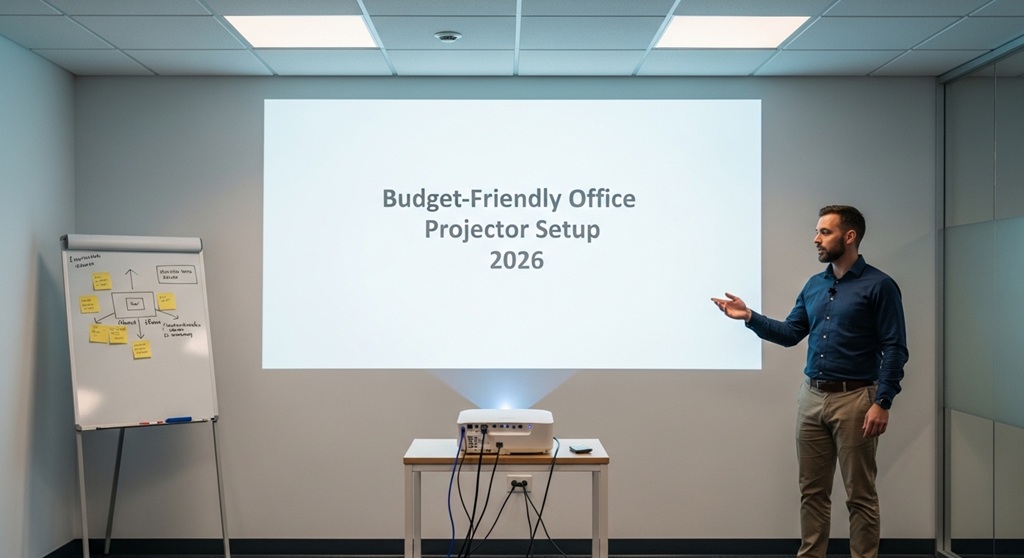
Are you looking to set up a projector for your office without breaking the bank? Whether for presentations, meetings, or simply enhancing your office’s multimedia experience, setting up an affordable projector system is easier than you think. In this guide, we’ll explore how to build a low-cost AV setup for your office, focusing on cost-effective solutions and small office setups that don’t compromise on quality. With a little planning and the right equipment, you can create an impressive projector setup that suits your needs and fits within your budget. Let’s dive in!
What is a Low-Cost Office Projector Setup?
A low-cost office projector setup refers to a projector system that delivers excellent performance for work-related tasks—such as presentations, video conferencing, or visual displays—without the high price tag often associated with office AV equipment. By selecting budget-friendly projectors, cost-efficient mounting options, and affordable screen solutions, you can create a fully functional office setup without compromising on quality.
In this article, we’ll focus on small office solutions, budget-friendly projectors, and accessories that work well for modern, space-conscious environments. You don’t need to splurge to get a professional projector experience. Let’s take a closer look at how to create the perfect low-cost AV setup for your office in 2026.
Why Should You Invest in a Projector for Your Office?
Projectors aren’t just for home theaters; they’re excellent tools for improving office productivity, collaboration, and presentations. Here’s why investing in a projector for your office can benefit your business:
- Enhance Presentations: A projector allows you to display content on a large screen, making it easier to engage your team and clients during meetings.
- Versatility: Projectors are versatile enough to serve as both a media display and a video conferencing tool, making them perfect for small office spaces.
- Cost-Effective: While traditional office monitors can be pricey, projectors offer a budget-friendly alternative, especially when considering larger display sizes.
- Space-Saving: A projector eliminates the need for large, bulky monitors, freeing up valuable desk or wall space.
What Are the Essential Components of a Budget-Friendly Office Projector Setup?
When creating a projector setup for your office, there are several essential components you’ll need to consider:
- Projector: The heart of the setup. You’ll want a projector that fits within your budget while still offering clear, sharp images and essential features.
- Projector Screen: A dedicated screen enhances the image quality, but it’s possible to use a wall or DIY options for a low-cost solution.
- Projector Mount: A mount helps to position the projector securely and correctly in your office.
- AV Cables: Depending on your projector, you’ll need HDMI, VGA, or other types of cables to connect your device.
- Speakers: Many projectors have built-in speakers, but for superior audio quality, an external speaker system may be necessary.
Now let’s break down each component and find the best affordable options for your office setup.
How to Choose the Best Budget-Friendly Projector for Your Office?
When selecting a projector, it’s crucial to balance price, performance, and features. While many low-cost projectors are available, you want one that offers reliable performance for business purposes. Here are some key factors to consider when choosing a budget projector:
- Resolution: For clear images and text, look for a projector with at least 720p HD resolution. For a sharper picture, 1080p or 4K projectors are ideal but come at a higher cost.
- Brightness: Brightness is measured in lumens. A projector with 2000-3000 lumens should be enough for most office spaces. Higher brightness levels may be needed for larger rooms or spaces with ambient light.
- Connectivity: Ensure the projector has HDMI or VGA ports, and consider wireless connectivity if you prefer a cable-free setup.
- Size and Portability: If your office space is limited, opt for a compact and portable projector. These smaller models are typically easier to move or mount in tight spaces.
- Lamp Life: A projector’s lamp life determines how long it will last before requiring a replacement. Look for projectors with longer lamp life to save on maintenance costs in the long run.
Top Low-Cost Projector Options for Your Office
Here are some of the best budget-friendly projectors available in 2026 that deliver great performance for small office environments:
- Epson VS250 SVGA: This affordable projector offers 3200 lumens brightness and an SVGA resolution, making it ideal for small to medium-sized rooms. It’s perfect for presentations, offering a crisp image even in slightly lit environments.
- ViewSonic PA503W: Offering 3600 lumens brightness and 1280×800 resolution, this projector is a great option for business users. It’s portable, affordable, and comes with a long lamp life of up to 15,000 hours.
- BenQ MS535A: With a 3300-lumen brightness, this projector provides clear and bright images. Its low cost and good lamp life (up to 15,000 hours) make it a great investment for your office.
- LG PF50KA: A portable mini projector with wireless connectivity options. This small, budget-friendly projector offers 1080p resolution and 600 lumens brightness, making it perfect for small office settings.
Any of these projectors will provide you with a reliable and cost-effective solution for your office projector setup. Be sure to assess your space and specific needs to find the best model for your budget.
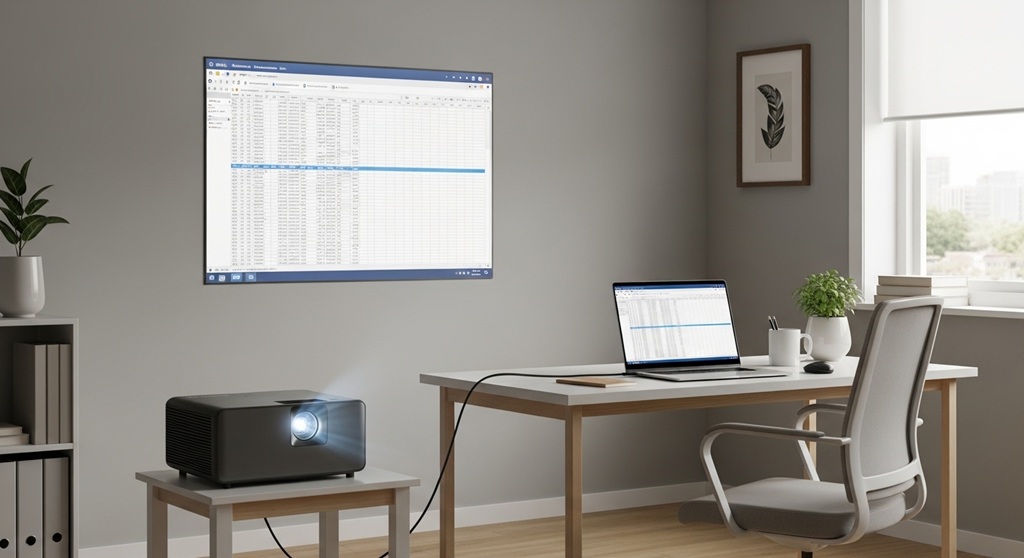
What Are the Best Projector Screen Options for Small Offices?
A good projector screen can significantly improve image quality, but it’s not always necessary for smaller office spaces. Let’s look at some affordable options:
- Pull-Down Screens: These screens offer easy setup and storage. Look for affordable brands like Elite Screens, which offer budget-friendly pull-down screens that fit most office spaces.
- Fixed Frame Screens: These screens provide excellent image quality but are a more permanent solution. They are a good choice for offices that will consistently use the projector setup.
- DIY Screen Options: If you’re looking for the most affordable option, you can create a projector screen using a flat white wall or a DIY projector screen kit.
For most small office setups, a pull-down screen or wall-mounted option should suffice, providing clear images at a low cost.
How to Mount Your Projector on a Budget?
Mounting your projector is essential to get the best angle and ensure the image is clear. Here are some budget-friendly mounting solutions:
- Ceiling Mounts: Ceiling mounts are the most common and cost-effective way to mount a projector in an office. You can find basic ceiling mounts for under $50, and they provide a secure installation.
- Tripod Stands: If you don’t want to mount your projector permanently, tripod stands offer a portable, budget-friendly option. These can cost as little as $30 to $60, depending on the model.
- Wall Brackets: Wall-mounted brackets are another affordable way to mount your projector. These are especially useful if you want to save ceiling space or need a more flexible setup.
What Additional Accessories Do You Need for Your Office Projector Setup?
In addition to the projector, screen, and mount, there are a few other accessories to complete your setup:
- Speakers: If you want higher audio quality than the built-in projector speakers provide, consider adding external speakers to your setup. Budget options like Bluetooth speakers or budget soundbars can enhance the overall experience.
- AV Cables: Depending on the projector model, you’ll need HDMI or VGA cables to connect your projector to your computer or other devices. These are generally affordable and available at most electronics stores.
- Extension Cords and Power Strips: Ensure your projector and other devices have access to power. Long extension cords and power strips are inexpensive but necessary for a smooth setup.
How to Optimize Your Office Projector Setup for the Best Viewing Experience?
Once you’ve set up your projector, here are some tips to optimize the experience:
- Positioning: Ensure your projector is at the correct height and angle for optimal viewing. The screen should be directly in front of the seating area, and the projector should be aligned to avoid distorted images.
- Lighting: Minimize ambient light in your office space. Use blackout curtains or position the projector and screen away from natural light sources.
- Calibrate Settings: Many projectors offer settings to adjust brightness, contrast, and sharpness. Fine-tune these settings for the best image quality based on your space’s lighting.
Conclusion: Set Up Your Office Projector Without Breaking the Bank
Building a budget-friendly office projector setup is entirely possible with the right choices and planning. By selecting affordable projectors, mounting options, and accessories, you can enhance your office’s multimedia capabilities without overspending. Whether for presentations, video conferences, or media sharing, a projector is an invaluable tool for any modern office. Start building your low-cost AV setup today and enjoy the benefits of a professional-grade projector setup in your office.
Call to Action: Ready to elevate your office setup? Choose your perfect budget-friendly projector and accessories from the options we’ve discussed, and start optimizing your workspace today. Don’t let cost stand in the way of a better office experience!
FAQs
1. What is the cheapest projector for office use?
The cheapest projector options for office use include models like the Epson VS250 and ViewSonic PA503W. These projectors offer solid performance for the price, typically ranging from $200 to $300.
2. Can I use a wall instead of a projector screen?
Yes, you can use a plain white wall as a projector screen, but a dedicated projector screen will offer better image quality. For a budget-friendly option, a DIY projector screen can also be an excellent choice.
3. How do I mount a projector without drilling holes?
If you don’t want to drill holes in your office, you can use a tripod stand or a wall bracket. These options are portable and don’t require permanent mounting, making them ideal for renters or flexible spaces.
4. What is the best brightness level for office projectors?
For most small office setups, a projector with 2000-3000 lumens brightness is sufficient. If your office has a lot of ambient light, opt for a projector with higher lumens (around 3500 or more) for better clarity.
5. How long do projector lamps last?
Most modern projectors have lamps that last anywhere from 5,000 to 15,000 hours. Look for projectors with longer lamp life to save on maintenance costs.
6. Can I connect my projector wirelessly to my laptop?
Yes, many budget projectors offer wireless connectivity options, including Wi-Fi or Bluetooth. This allows you to stream presentations and media from your laptop without needing cables.
7. Do I need external speakers for my projector setup?
If your projector has built-in speakers, they might be sufficient for small meetings. However, for larger rooms or better sound quality, investing in external speakers will improve the audio experience.
Read More Also: Learners Most Affected by Digital Distractions
Find out: Ultimate Clean Songs Playlist for Classrooms