
Helpful Guides for Popular PC Games: Tips, Tricks and Strategies
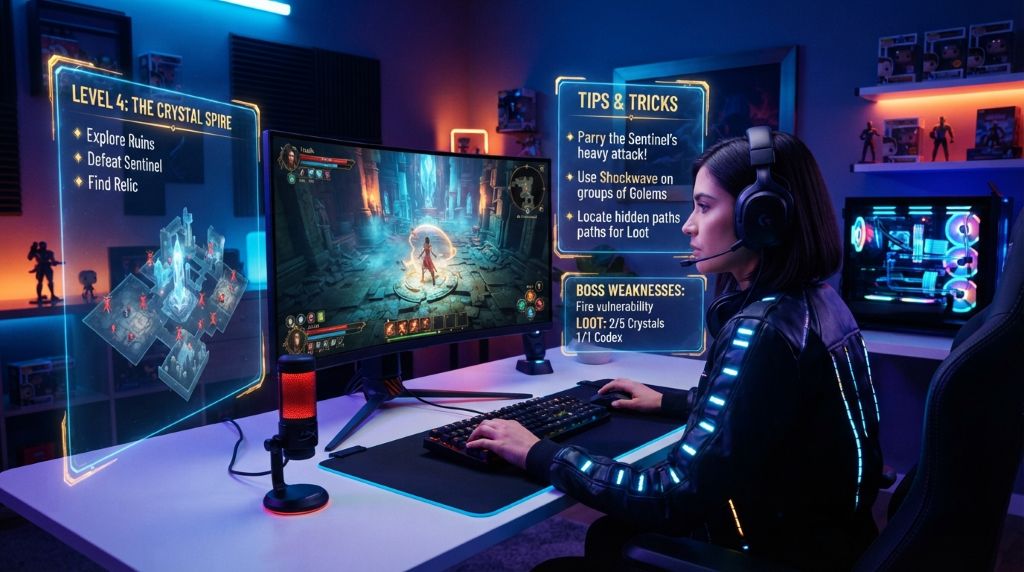
Ever lost a boss fight for the tenth time and wondered what you were missing? You are not alone. Millions of PC players face the same wall every day. The good news is that most of these walls have a way around them, and this guide shows you exactly where to look.
PC gaming keeps growing every year. The platform reached 936 million players worldwide in 2025. That is a massive community of people learning, failing, and improving together. This article pulls together practical tips that work across genres, so you can spend less time frustrated and more time actually enjoying your games.
Key Takeaways
- Good guides save hours of trial and error, especially in complex games.
- Keybind and settings changes often improve performance more than new hardware.
- Community resources like wikis and forums are goldmines for hidden mechanics.
- Practice modes and replays build skill faster than random matches alone.
- Budgeting your time and money keeps gaming fun instead of stressful.
Why Game Guides Actually Matter
Some players think guides take the fun out of games. However, the opposite is usually true. A good guide removes needless frustration, not the challenge itself. It clears up confusing mechanics so you can focus on the parts you actually enjoy.
Think about the last time you got stuck on a puzzle or a boss fight. That stuck feeling often comes from missing information, not lack of skill. A quick guide can point out a mechanic the game never explained clearly. Additionally, guides help you avoid wasting hours on trial and error.
I remember grinding for three hours in an open-world RPG, trying to find a hidden vault. A five-minute video guide showed me the entrance was behind a waterfall the whole time. That experience taught me guides are not cheating. They are simply shortcuts around bad in-game explanations.
Guides also help newer players catch up with veterans faster. Multiplayer games especially reward players who understand item timings, map layouts, or character abilities early. Therefore, a short guide before your first ranked match can save you from a rough start.
Finally, guides preserve knowledge that would otherwise be scattered across forums and Discord servers. A well-organized guide brings everything into one place. This makes learning smoother and less overwhelming for anyone new to a title.
Optimizing Settings for Smoother Gameplay
Many players buy expensive hardware before checking their in-game settings. However, small adjustments often bring bigger improvements than a costly upgrade. Frame rate, input lag, and visual clarity all depend heavily on how you configure your game.
Start with your resolution and graphics presets. Lowering shadow quality or motion blur can boost frame rates without hurting how the game looks. Additionally, disabling vertical sync usually reduces input delay in fast-paced games.
Here are settings worth checking first:
- Frame rate cap, matched to your monitor’s refresh rate
- Texture and shadow quality, lowered if frame rate drops
- Field of view, widened slightly for better awareness
- Audio cues, boosted so footsteps and cues stand out
- Keybindings, remapped for faster reactions
Your keyboard and mouse settings matter just as much as graphics. Mouse sensitivity that feels natural in one game may feel clumsy in another. Therefore, test a few sensitivity levels in a practice area before jumping into competitive matches.
Background programs also slow games down more than people expect. Closing browser tabs and chat overlays frees up memory and processing power. Consequently, your game runs smoother even on modest hardware.
Lastly, keep your graphics drivers updated. Developers release driver updates specifically to fix bugs and boost performance for new game releases. Skipping these updates means missing out on free performance gains.
Learning Core Mechanics Before Jumping In
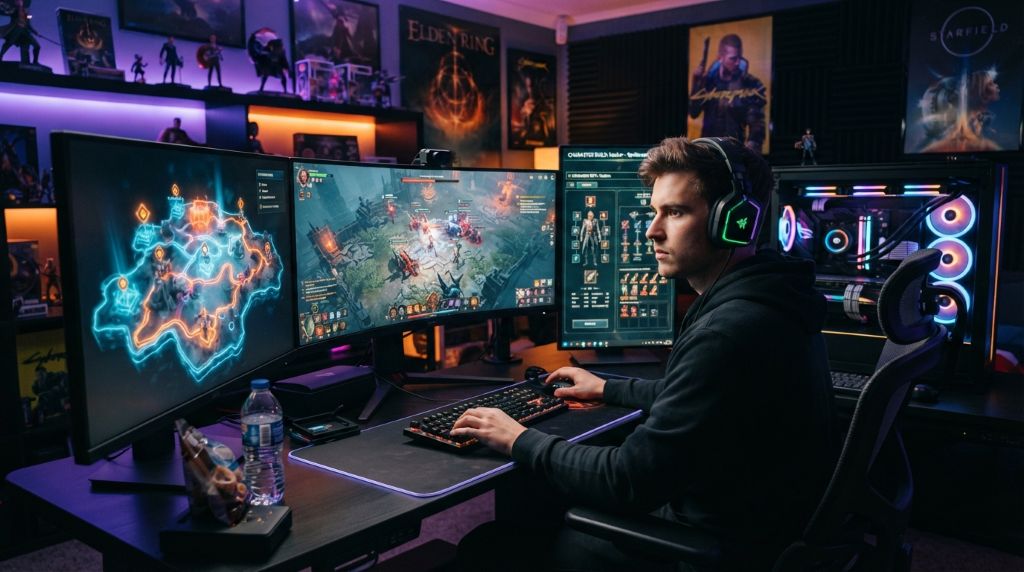
Every game has a learning curve, but skipping the basics makes it steeper. Spending time in tutorials or practice modes pays off later. This is especially true for games with deep combat systems or resource management.
Strategy games, for example, reward players who understand build orders and resource timing. Rushing into a competitive match without this knowledge usually ends in an early loss. Instead, spend a session or two in single-player scenarios first.
Shooter games work the same way. Recoil patterns, map callouts, and weapon timings take practice to master. Many top players spend time in aim-training tools before ever queuing for a real match. This habit builds muscle memory that carries into live games.
Role-playing games often hide mechanics behind menus and stat screens. Understanding how damage, defense, and leveling interact prevents wasted character builds. A quick guide search can clarify which stats actually matter for your playstyle.
Watching replays of your own matches is another underused tool. Reviewing where you made mistakes teaches more than reading advice alone. Combine this with written guides, and you build a much clearer picture of what to improve.
Using Community Resources the Smart Way
Official patch notes rarely explain everything. Community wikis, however, often fill in the gaps with tested, detailed information. Sites built by dedicated fans frequently update faster than official sources during major game events.
Forums and Discord servers offer another layer of help. Experienced players often share strategies that never make it into video guides. Additionally, asking a specific question in these spaces usually gets faster answers than searching alone.
Here is how to use community resources effectively:
- Search the game’s official wiki first for verified mechanics.
- Check recent forum posts, since older advice can become outdated.
- Join a Discord server for real-time tips during play sessions.
- Watch short clips from high-ranked players for situational strategies.
- Cross-check advice across two or three sources before trusting it.
Reddit communities also track patch changes closely. Many threads break down exactly how a balance update affects strategy. This saves you from relying on outdated tactics after a major patch. Platforms like Steam’s own community hub also host guides written directly by experienced players.
Be cautious with unverified sources, though. Not every guide online is accurate, especially for older games with small communities. Therefore, prioritize sources with recent activity and clear explanations backed by gameplay footage.
Managing Time and Budget While Gaming
Gaming should stay enjoyable, not stressful. Setting a budget for new titles, subscriptions, and in-game purchases helps avoid overspending. Many platforms now offer wishlists and sale alerts, which make budgeting easier.
Time management matters just as much as money. Long gaming sessions without breaks can hurt focus and reaction time. Short breaks every hour actually improve performance during competitive play.
Consider these simple habits:
- Set a monthly gaming budget before browsing sale events.
- Use wishlists to track price drops on desired titles.
- Take a five-minute break every hour during long sessions.
- Avoid impulse purchases during limited-time in-game offers.
Subscription services can also stretch your budget further. Instead of buying every title individually, a subscription library lets you try more games for less money. This approach works well for players who enjoy variety over deep investment in one title.
Conclusion
Getting better at PC games is rarely about raw talent. It comes down to settings, practice, and knowing where to find good information. Small changes, like adjusting your keybinds or checking a wiki, add up to real improvement over time. If you’re looking for quick and simple ways to stay entertained between gaming sessions, you can also explore online games to play in class when bored for some casual options.
Guides exist to make gaming more enjoyable, not to remove the challenge. Use them to skip needless frustration and spend more time on what you love. Try one tip from this guide in your next session and see the difference it makes.
Have a tip that changed how you play? Share it in the comments below, and pass this guide along to a friend who needs it.
Frequently Asked Questions
Are game guides considered cheating?
No. Guides clarify confusing mechanics the game may not explain well. They help you learn faster without changing the actual gameplay experience.
How do I know if a guide is outdated?
Check the publish date and compare it against the game’s latest patch notes. Outdated guides often reference removed features or old balance changes.
Do graphics settings really affect competitive performance?
Yes. Lowering certain visual effects, like motion blur, can improve frame rates and reduce input delay. This often matters more than raw hardware power.
What is the fastest way to improve at a new game?
Combine tutorial practice, replay review, and a quick guide search. This mix builds skill faster than jumping straight into competitive matches.
Where should I look first for reliable game information?
Start with the game’s official wiki, since it usually holds verified mechanics. Then check active forums or Discord servers for recent strategy discussions.